What Integrations Does Houzz Pro Support?
Houzz Pro integrates with several of your favourite tools so you can manage leads, projects, files, and finances from one place – no more app-switching.
Our integrations are available across several key areas of the desktop experience. Existing integrations include:
- Houzz Pro Clipper for product sourcing
- Calendar Integration (supports iCloud, Google, Office 365, Exchange, and Outlook)
- Video Conferencing (supports Google Meet, 8x8, Zoom, Microsoft Teams, and GoTo Meeting)
- Google Drive for file storage
- Houzz Pro Gmail Extension for CRM/lead management
- Zapier for workflow automation
Please Note: Integration availability may vary by plan.
Let's walk through how each integration works and where it fits into your Houzz Pro workflow.
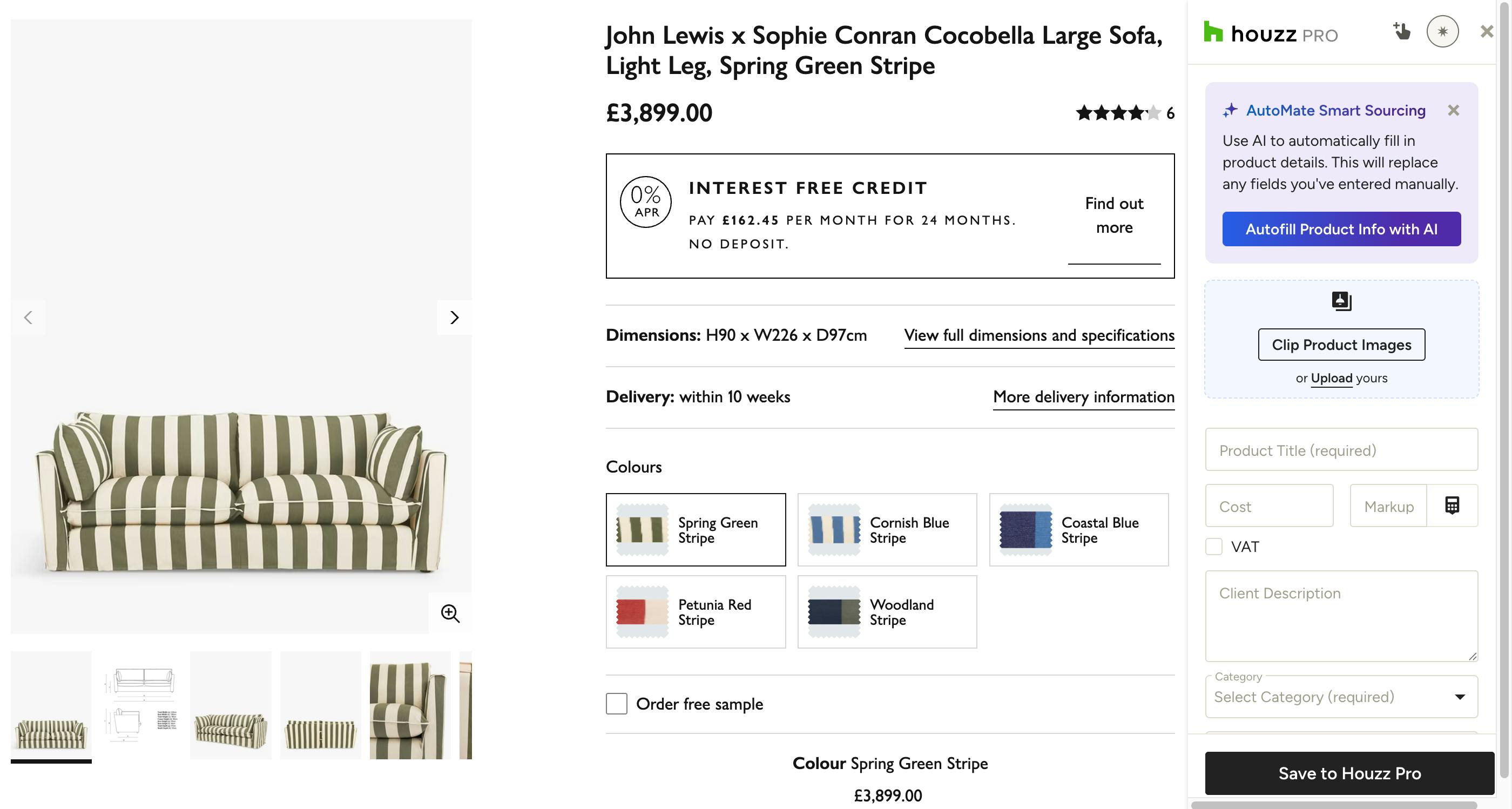
Houzz Pro Clipper
The Houzz Pro Clipper browser extension lets you save products from any supplier website directly to your project library. With just a few clicks, you can capture product images, descriptions, dimensions, and pricing without the need for manual data entry. Use the AI-powered feature to instantly scan pages and map product details to the correct fields, or use the mobile Clipper within the Houzz Pro app to source items while you’re on-the-go.
Once saved, your clipped items are ready to be used across the platform. You can drag and drop them into selection boards to present options to clients, or pull them into proposals and invoices to streamline your financial workflow.
Read How to Use the Clipper Tool for a step-by-step guide on setting up this integration.
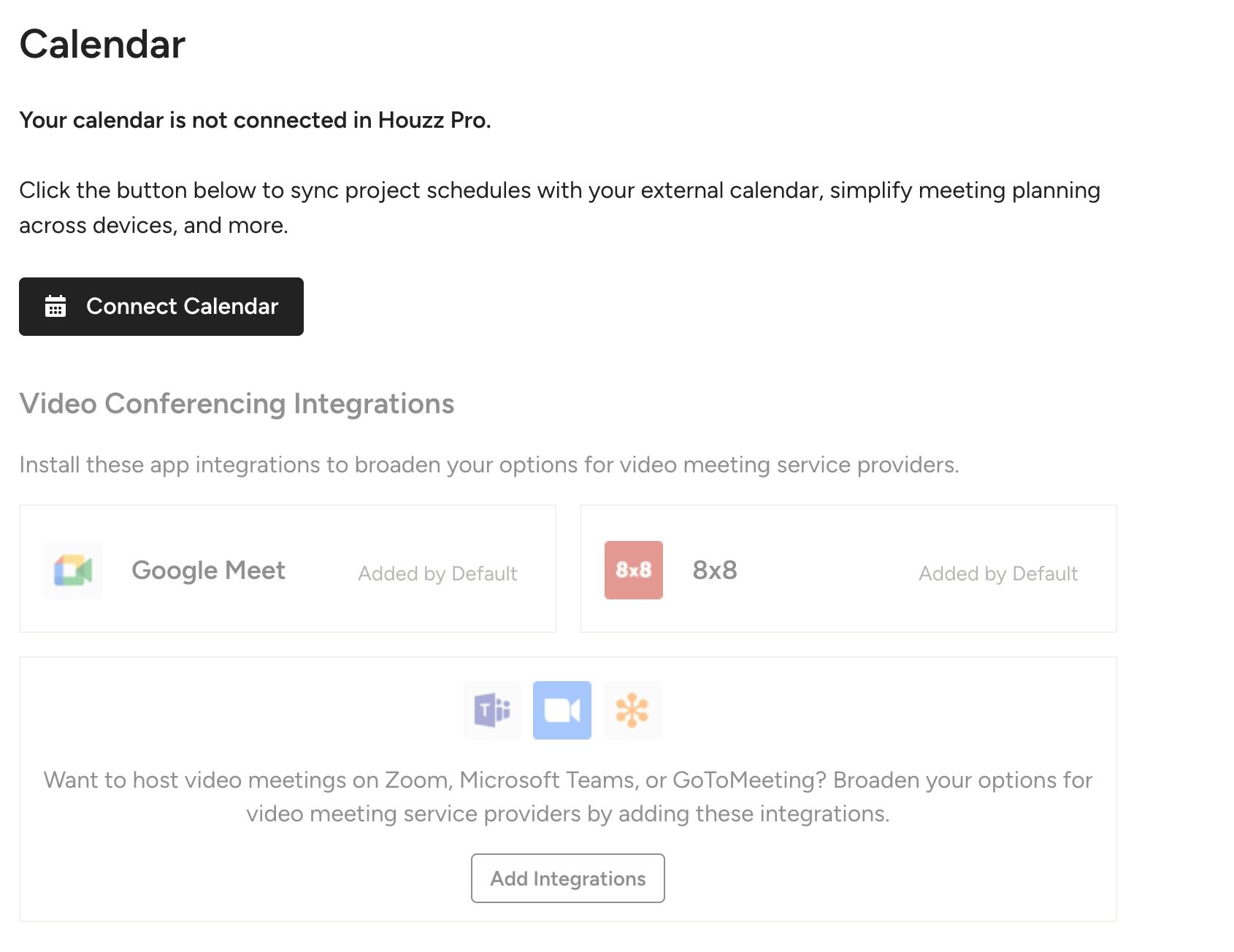
Calendar Integration
Connect your personal or business calendar to Houzz Pro to keep your schedule and your projects in sync. Once linked, potential clients can book meetings with you directly based on your real-time availability, and you can schedule meetings with leads without leaving the platform. You can also sync your project schedule so that tasks, deadlines, and milestones automatically appear on your calendar.
Houzz Pro supports calendar integration with iCloud, Google, Office 365, Exchange, and Outlook.
Read How to Connect Your Calendar for a step-by-step guide on setting up this integration.
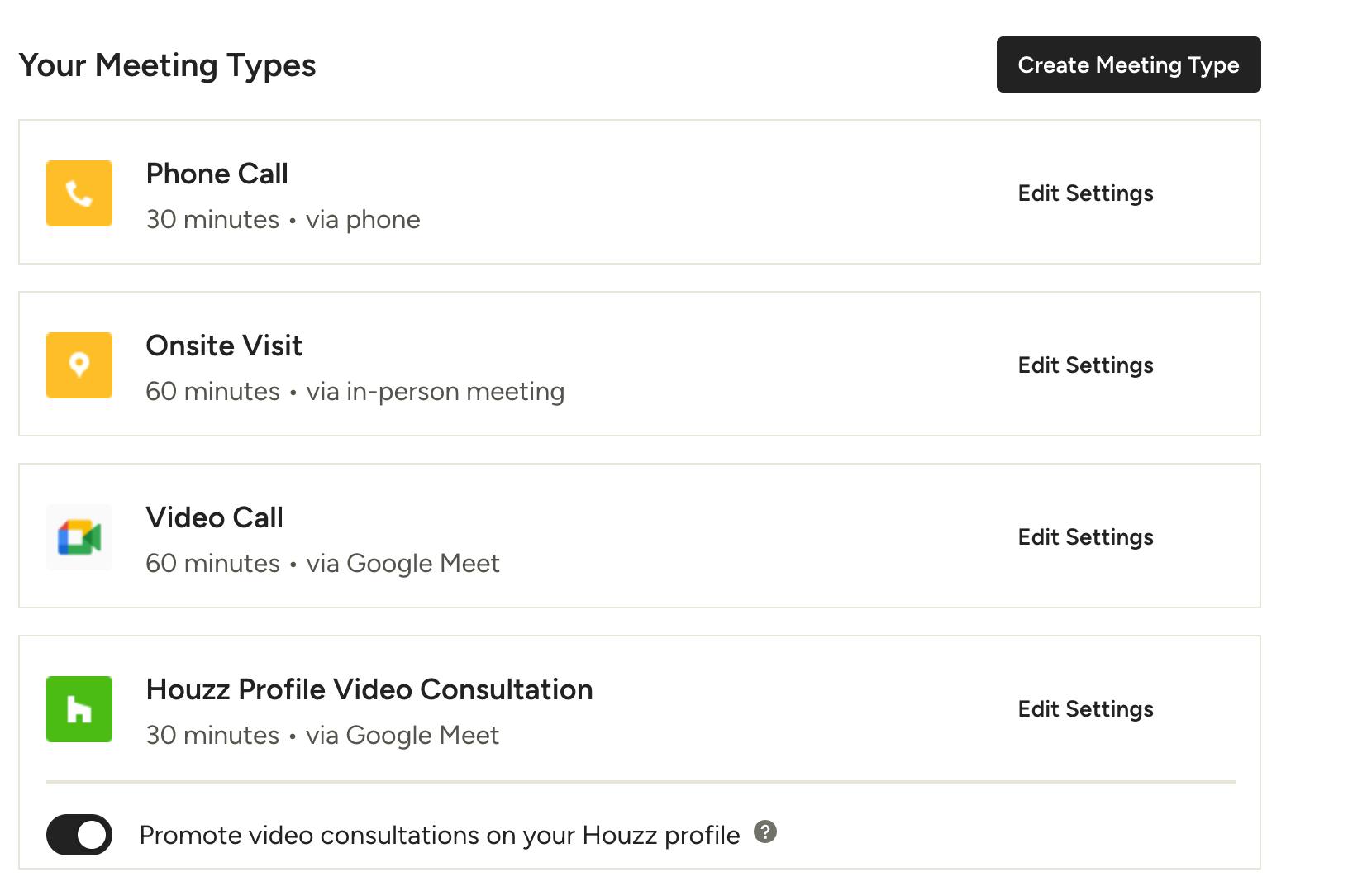
Video Conferencing Platforms
Once your calendar is connected, Houzz Pro integrates with leading video conferencing platforms so you can offer clients and leads multiple ways to meet – phone calls, video calls, or site visits. You can share a personalised booking link, or schedule meetings directly from the project or lead page. When a meeting is confirmed, both you and your client or lead automatically receive calendar invitations.
Houzz Pro currently supports Google Meet, 8x8, Zoom, Microsoft Teams, and GoTo Meeting.
Read How to Set Up Meetings in Houzz Pro and How to Schedule Meetings with Clients and Leads to learn more.
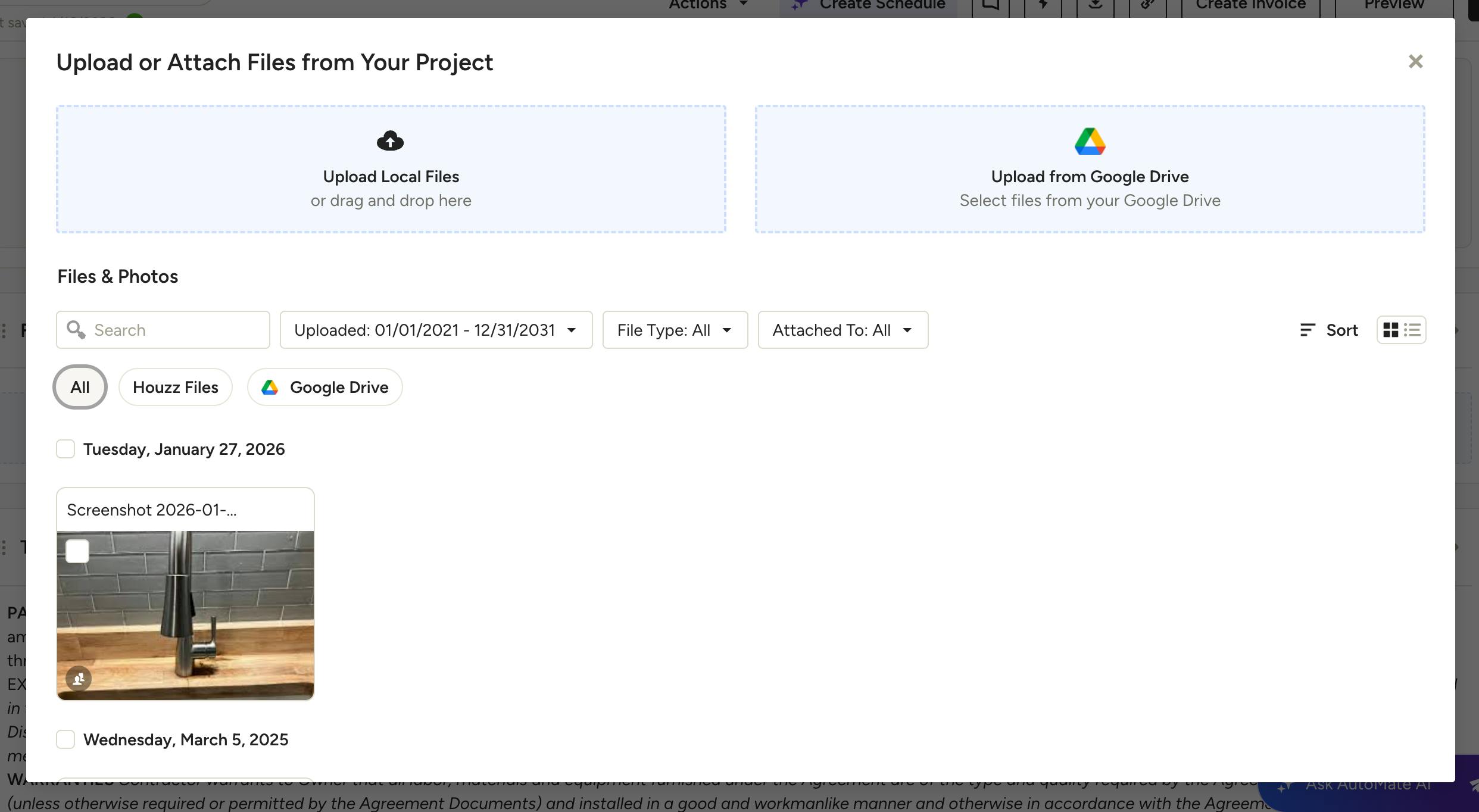
Google Drive
With the Google Drive integration, you can import files and photos directly from your Google Drive into Houzz Pro – no need to re-upload files that already live in the cloud. Once connected, Google Drive files are accessible anywhere in Houzz Pro that supports file attachments, including estimates, proposals, invoices, change orders, purchase orders, tasks, daily logs, messages, and the client dashboard.
Read How to Integrate Google Drive with Houzz Pro for a step-by-step guide on setting up this integration.
Houzz Pro Gmail Extension
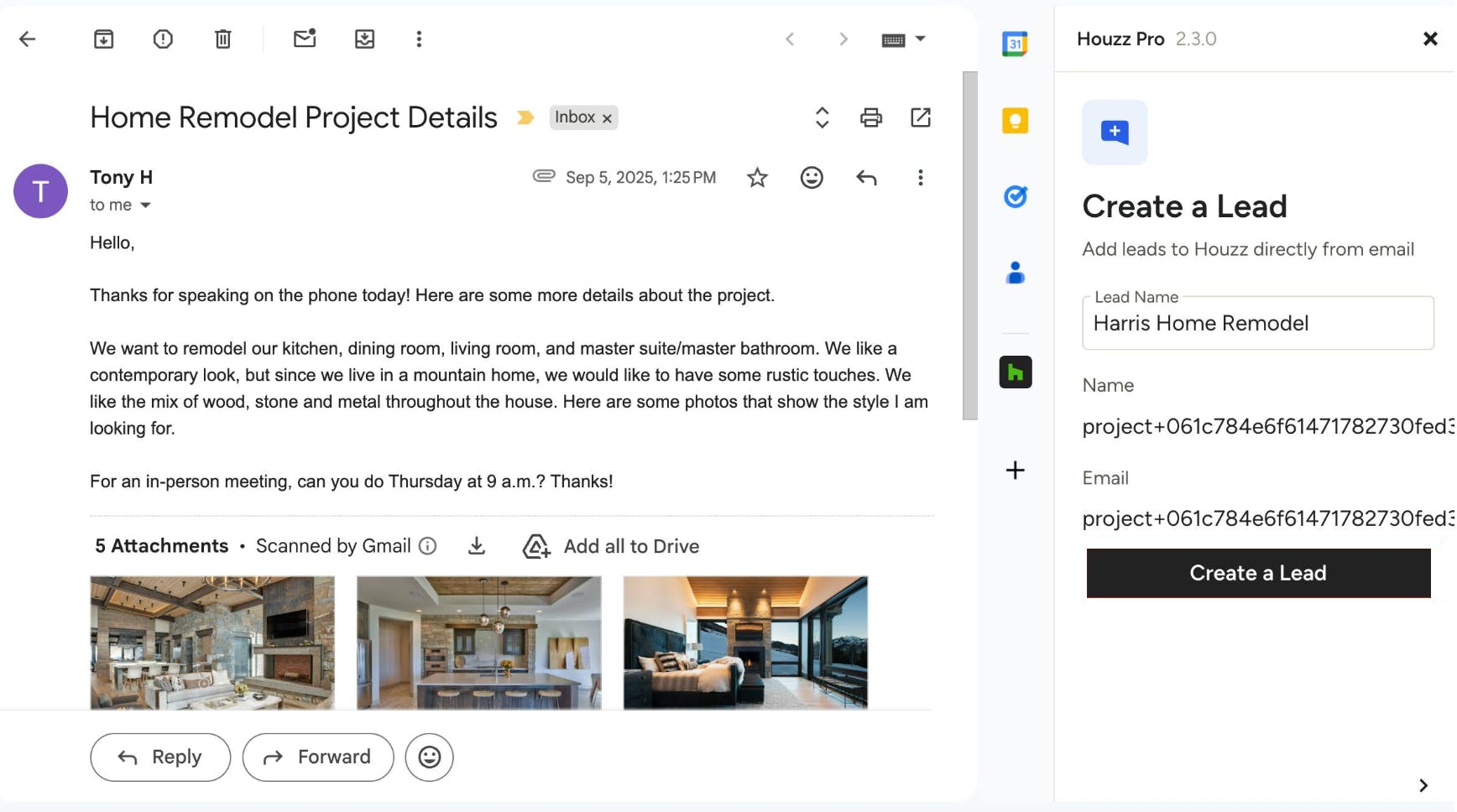
The free Houzz Pro Gmail extension lets you turn email conversations into CRM leads without ever leaving your inbox. When you receive an email from a potential client, you can add them directly to Houzz Pro with just a few clicks – saving the contact details and full email thread. You can also reply using pre-built templates, insert your meeting booking link, and view or edit lead details from the Gmail sidebar. Any changes you make in Gmail sync back to Houzz Pro automatically.
Read How to Use the Houzz Pro Gmail Extension for a step-by-step guide on setting up this integration.
Zapier
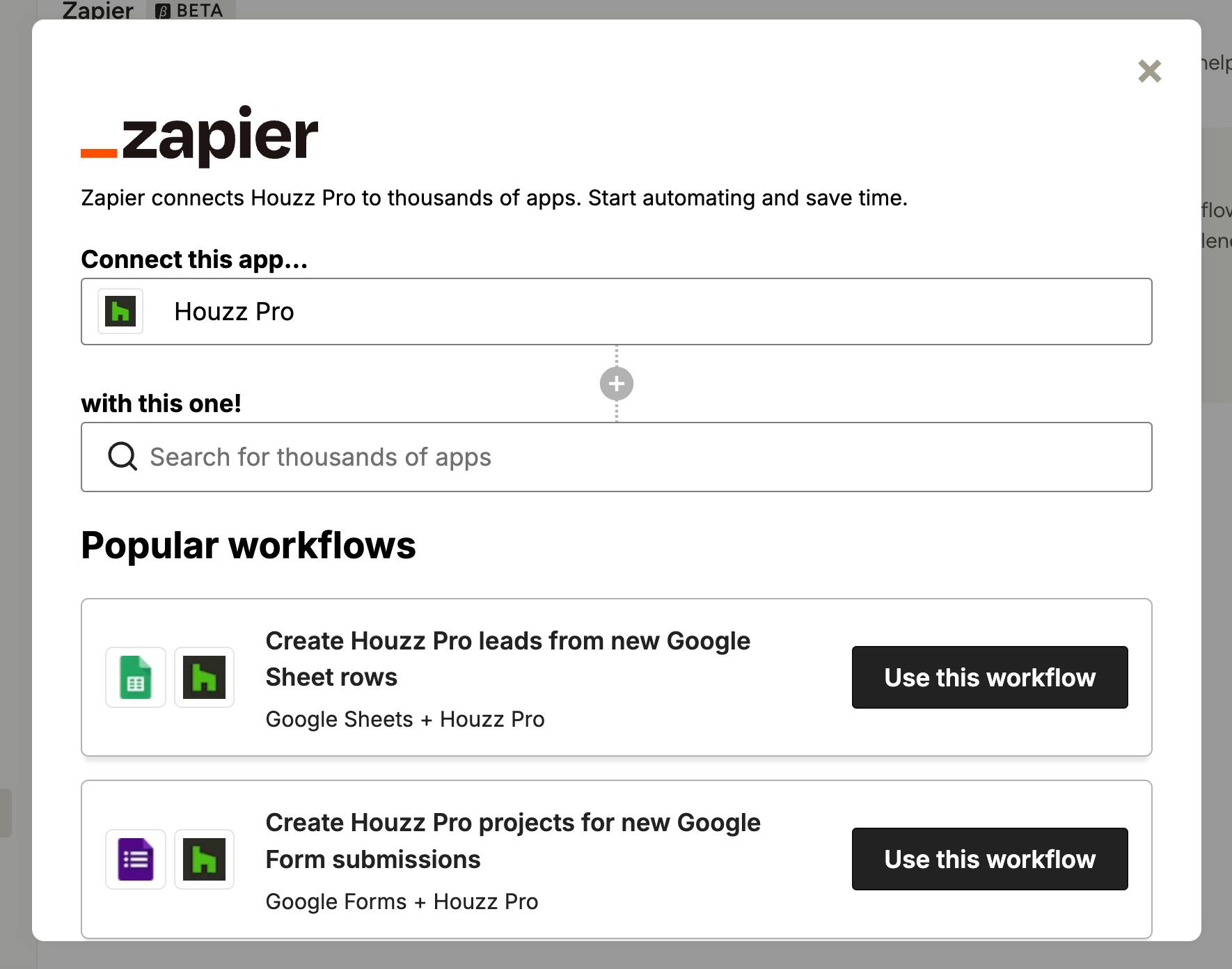
If your leads and projects come in from multiple sources, Zapier lets you pull them all into Houzz Pro automatically. By connecting Houzz Pro to other CRM tools – like HubSpot, Google Forms, and more – you can create automated workflows (called "Zaps") that import leads and projects into Houzz Pro the moment they're created elsewhere. Pre-built templates make setup fast, or you can build a custom workflow to fit your exact process.
Please Note: Zapier is a one-way integration – it imports leads and projects into Houzz Pro. Exporting data from Houzz Pro to other platforms is not currently supported. This feature is only available for professionals on Custom packages.
Read How to Integrate Zapier with Houzz Pro for a step-by-step guide on setting up this integration.